

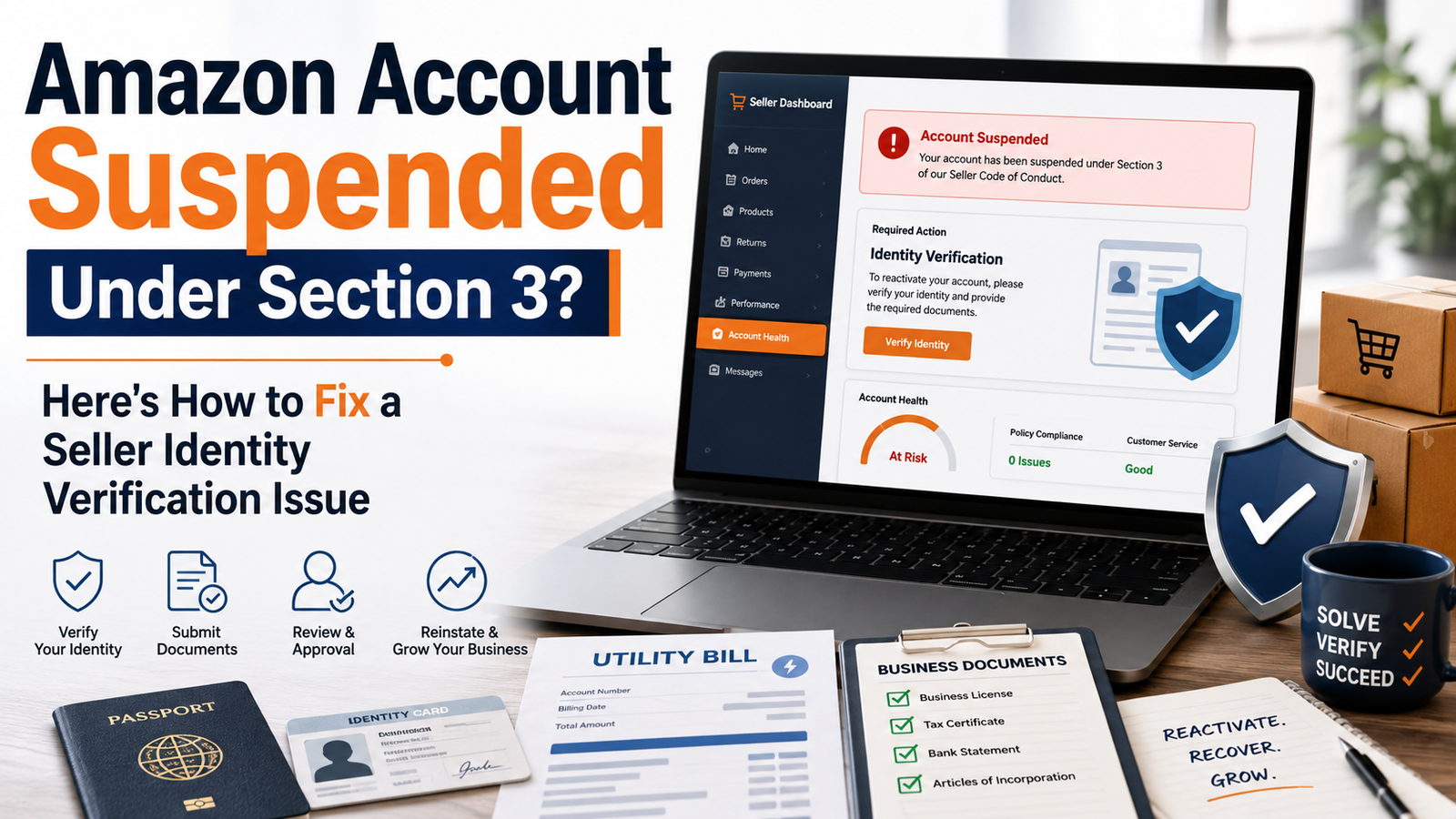
If your Amazon seller account got deactivated and the notice references Section 3 of the Amazon Services Business Solutions Agreement, you’re dealing with a Section 3 suspension, and it’s a different animal than a performance or policy suspension. This one isn’t about how you’re running your account. It’s about whether the information Amazon has on file for you actually matches, word for word, document for document.
This type of suspension is triggered by Amazon’s Seller Identity Verification (SIV) process, sometimes simply referred to as SIV in seller forums. We handle these cases constantly, and the pattern is almost always the same: sellers didn’t do anything wrong on purpose. It’s that the information they typed into Seller Central doesn’t exactly match what’s printed on their identity documents. Amazon’s verification system doesn’t make judgment calls on “close enough.” It flags mismatches, full stop.
Why Section 3 Suspensions Happen
Two examples we see over and over:
A seller’s legal name is Jonathan, but somewhere along the way, maybe on a business license, maybe just out of habit, he entered “Jon” into Seller Central. His government ID says Jonathan. Amazon’s system sees two different names and can’t confirm they’re the same person.
Another common one: Seller Central lists the address as “78 Riverside Drive, Suite 200,” but the utility bill shows “78 Riverside Dr,” with the city listed as “Saint Paul” on one document and “St. Paul” on the other. Two small formatting differences, same address, still enough to trigger a mismatch even though it’s obviously the same to a human looking at it.
Amazon’s verification checks aren’t looking at these cases with common sense. They’re doing a match. If the strings don’t line up exactly, the account stays deactivated under Section 3 until it’s resolved.
The Fix Isn’t Complicated, But It Has to Be Exact
The core principle behind resolving a Seller Identity Verification case: every document you submit and every field you’ve filled in on Seller Central needs to say the same thing, character for character.
Here’s how to actually work through it:
- Pull your legal documents first. Government-issued ID, business registration, and whatever proof of address you plan to submit. Look at the exact name and address format on each one.
- Check what’s currently in Seller Central against those documents. Not from memory, side by side. Look at your legal name field, your business name, and your registered address, down to abbreviations (St. vs Street, apartment numbers, and suite numbers).
- Fix the mismatch at the source, not just in your appeal. If your ID says Nicholas and Seller Central says Nick, update Seller Central to match your ID exactly. Don’t try to explain the discrepancy in a note and hope Amazon accepts it. Fix the actual data.
- If a document itself is missing information Amazon needs (like a proof of address that only shows part of your name), get a newer document that includes the full name or a different type of proof of address that does. Sometimes a bank statement has the full legal name, whereas a utility bill doesn’t.
- Submit all documents together, not piecemeal. Partial submissions where one document matches and another doesn’t just restart the review clock and reintroduce doubt.
- Write a short, factual explanation if there’s a genuine reason for a past discrepancy (a legal name change, a business restructuring), but don’t lean on explanation instead of correction. Amazon wants matching data first, context second.
What We’ve Seen Work
Across the Section 3 suspension cases we’ve handled, appeals that go in with fully corrected, fully matching documentation get approved on the first submission around 90% of the time. The cases that drag on for weeks are almost always the ones where the seller tried to explain a mismatch instead of fixing it or submitted documents in batches instead of as a complete, consistent set.
If You’ve Already Been Denied Once
Read the denial notice closely. It usually points, even if vaguely, at which piece of information didn’t check out. Before resubmitting, go back through every document again rather than just adding one new one. A second denial on a Seller Identity Verification case often happens because sellers fix the one thing Amazon mentioned but miss a second mismatch sitting somewhere else in the same submission. This is also where a lot of sellers start researching a full Amazon suspension appeal process instead of just a document resubmission, since repeated denials sometimes require a more formal plan of action.
How Long Does Seller Identity Verification Review Take?
This varies. A clean, fully matching submission is typically reviewed faster than one with any inconsistency, since there’s nothing for the reviewer to flag for a second look. There’s no official published timeline, so be cautious of anyone who promises an exact number of days.
When to Get Help
If you’ve gone through your documents and still can’t find the mismatch, or you’ve already had one appeal denied and aren’t sure why, it’s worth having someone else look at the full document set with fresh eyes. It’s easy to be too close to your own paperwork to spot a small inconsistency, and a second denial makes the whole process harder. If the case has escalated beyond a document fix into a full account deactivation, that’s also when it’s worth looking at what ongoing Amazon account management support looks like, so this doesn’t happen again.
Ready to Take Your Amazon Business Further?
If you’re dealing with a Section 3 deactivation right now, don’t wait on a denial to find out what’s mismatched. Talk to an expert, and we’ll review your documentation before you resubmit. Once your Amazon account reactivation is complete, a free Amazon account audit is a useful next step to catch anything else worth fixing before it becomes its own crisis.
[…] far more ODR pressure than a home goods seller at 5-10%. This is the metric most tied to a full account suspension when it’s left […]