

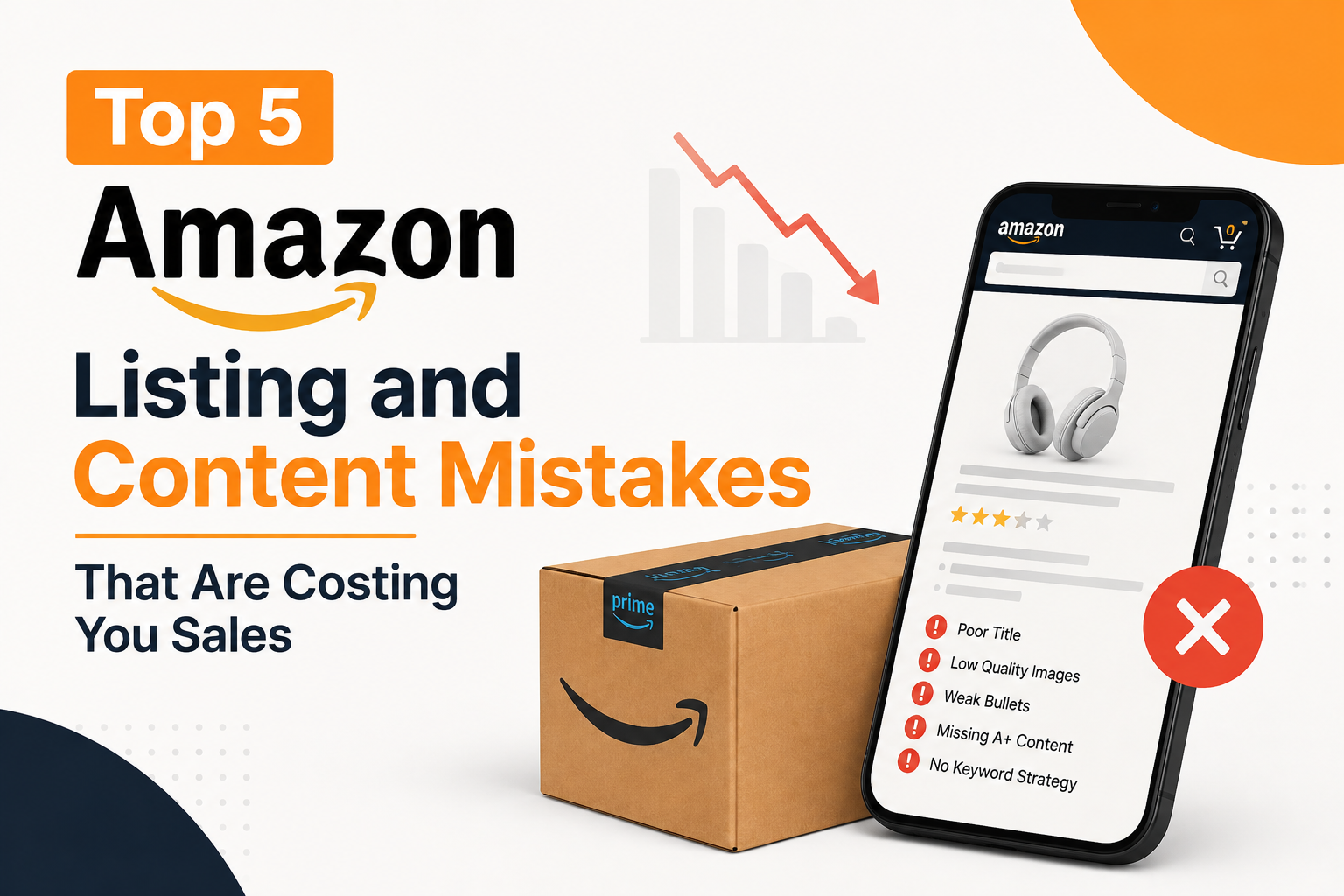
When you’re selling on Amazon, your listing is your sales page, ad landing page, and first impression all at once. If it doesn’t convert, even strong traffic can turn into wasted spend, which is why Amazon listing optimization is one of the first things we check when an account underperforms. As we cover in Amazon Seller Central Common Mistakes That Cost You Sales, small listing issues can quickly add up across your catalog. Here are the five we see most often and how to fix them.
1. Keyword-Stuffed Titles That Don’t Read Like Sentences
There’s a version of Amazon SEO advice that’s stuck around since 2015: cram every keyword you can into the title, separate them with commas or pipes, and let the algorithm sort it out. The problem is that shoppers read titles too, and a title like this reads as spam:
“Stainless Steel Water Bottle 32 oz Insulated Water Bottle Sports Water Bottle Gym Water Bottle Leakproof Water Bottle BPA Free”
That title might technically hit five keyword variations, but it tells a shopper nothing about why this bottle is worth buying. Amazon’s search algorithm has also gotten better at recognizing natural language over stuffed strings, so the SEO benefit you think you’re getting is smaller than it used to be.
Fix it: Write the title as a real sentence that leads with the most important keyword and the strongest selling point, then layers in secondary details.
“32 oz Insulated Water Bottle – Leakproof, BPA-Free Stainless Steel, Keeps Drinks Cold 24 Hours”
Same keywords, but it reads like something a person would actually want to click.
2. Bullet Points That List Features Instead of Selling Benefits
This is the single most common mistake we see across every category. Sellers write bullets like:
- 18/8 stainless steel construction
- Double-wall vacuum insulation
- 32 oz capacity
All true, all useless on their own. A feature only matters if the shopper understands what it does for them. Nobody wakes up wanting “double-wall vacuum insulation. They want their coffee to still be hot at 2 pm.
Fix it: Pair every feature with the outcome it produces. The format that works consistently: lead with the benefit, back it up with the feature.
“STAYS COLD ALL DAY: Double-wall vacuum insulation keeps drinks ice cold for up to 24 hours, even left in a hot car.”
This does two things at once. It sells the shopper on why they need the product, and it still contains the keyword-rich technical detail for search
3. Images That Don’t Answer Buying Questions
The main image gets someone to click. The rest of the image gallery is what gets them to buy, and it’s the most underused real estate on the listing.
Common gaps we see:
- No image showing product scale or size (is it a 12 oz bottle or a 40 oz bottle? The customer shouldn’t have to guess
- No lifestyle image showing the product in actual use
- No image addressing the top return reason (if people return it because it’s too heavy, show a shot with the weight noted)
- Infographic images with text too small to read on mobile, where most Amazon shoppers are browsing
Every image slot should either answer a question a buyer would have or overcome an objection that shows up in your returns or negative reviews. If you’re not using all 7-9 image slots for that purpose, you’re leaving conversion on the table. Images that don’t meet Amazon’s content requirements (text overlays that are too dominant, misleading claims, missing required disclaimers in some categories) can also trigger a listing suppression, so it’s worth checking your gallery against current image policy, not just conversion performance.
4. Weak or Missing A+ Content
Amazon A+ Content (or Premium A+ for brand-registered sellers with the eligibility) is one of the highest-leverage things you can add to a listing, and it’s often skipped entirely or built once and never touched again.
A listing without A+ content looks unfinished next to competitors who have it, especially in categories where buyers compare multiple listings side by side before deciding. It’s also one of the few places on the page where you can tell a real brand story, show comparison charts against your own product line, or address FAQs visually instead of burying them in bullets.
If you have A+ Content up, check when it was last updated. Product photography and messaging that hasn’t changed in two years usually look stale, and stale comparison charts that reference discontinued variations confuse more than they help.
5. Backend Search Terms That Are Empty, Duplicated, or Wasted
The backend search terms field doesn’t show up anywhere a customer can see, which is exactly why sellers neglect it. But it’s genuine, free indexing real estate that Amazon’s algorithm reads to match your listing to search queries your title and bullets don’t already cover.
The most common mistakes here:
- Leaving the field mostly empty
- Repeating keywords that are already in the title (wasted characters, since Amazon already indexes the title)
- Using competitor brand names (against Amazon’s terms of service, and it puts your listing at risk)
- Not including reasonable misspellings, synonyms, or alternate phrasing customers actually search
Fix it: Use the backend field for terms you couldn’t naturally fit in the title or bullets: synonyms, alternate spelling variations, related use cases, and language customers use that doesn’t match your own brand voice. Don’t repeat what’s already indexed elsewhere on the listing.
Frequently Asked Questions
How often should I update my Amazon listing content?
At minimum, review it any time you get new customer questions in reviews or Q&A that your listing doesn’t already answer, and any time the conversion rate drops without a clear external cause. A full audit every 6 months is a reasonable baseline for active listings.
Does keyword stuffing in titles still hurt rankings?
It doesn’t directly penalize you the way it might on a search engine, but it hurts conversion, and conversion rate is a ranking factor. A title that reads poorly and converts poorly will underperform a clean title even if it technically contains more keywords.
How many images should a listing have?
Use as many of the available slots (typically 7, sometimes up to 9 depending on category) as you have real content for. Don’t pad with filler images just to fill slots, but don’t leave slots empty if there’s a genuine buying question left unanswered.
Is A+ Content worth it for smaller sellers?
Yes. It’s included at no extra cost for brand-registered sellers, and the conversion lift it provides usually outweighs the time investment, even for a single-product catalog.
What’s the fastest fix on this list if I only have time for one?
Bullet points. They’re quick to rewrite, don’t require new photography or design work, and directly address the “why should I buy this” question that a lot of underperforming listings never answer.
Not Sure Which Mistake Is Costing You the Most?
Every mistake on the list is fixable, but figuring out which one is hurting you most takes a real look at your account. AMZOS offers a free Amazon account audit covering listings, PPC targeting, and account health, so you know exactly what to fix first.