

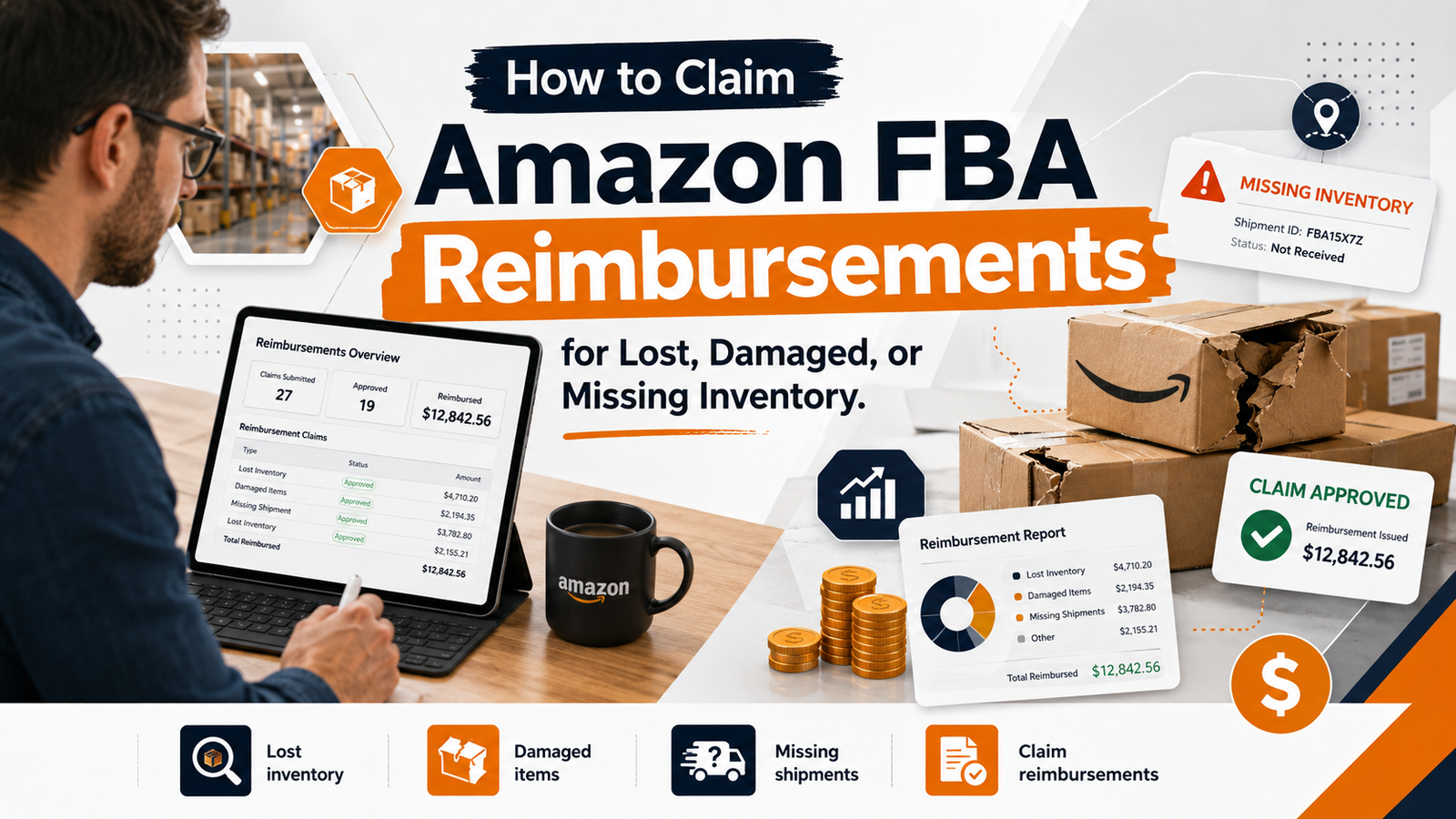
Most sellers assume Amazon automatically catches and reimburses every lost or damaged unit in its warehouses. It doesn’t. Amazon FBA reimbursement claims cover a wider range of discrepancies than most sellers realize, and unless someone is actively auditing for them, a meaningful amount of money quietly stays with Amazon instead of coming back to you.
The Rules Changed, and Most Sellers Haven’t Caught Up
Until October 23, 2024, sellers had up to 18 months to file a reimbursement claim for lost or damaged inventory, and Amazon paid out based on the item’s selling price. That window has since been shortened to 60 days from the date of the discrepancy, as Amazon moved to automate more of the reimbursement process. On top of that, reimbursement amounts are now calculated based on your sourcing or manufacturing cost, not your selling price, which means payouts are smaller than they used to be even when a claim is approved.
Put together, this means two things for sellers: the old approach of “check once or twice a year and catch up on everything” no longer works, and the case for catching discrepancies monthly, not annually, is stronger than it’s ever been.
A Real Example
We started working with a personal care brand that had never actively audited its FBA reimbursements. Like most sellers, they were relying entirely on Amazon to reimburse issues automatically, and no one was checking whether those numbers were actually accurate or whether anything was being left on the table.
When we went through their historical data, still under the old 18-month window at the time, we identified and recovered close to $50,000 in missed reimbursements. That number reflects the old rules: the longer lookback period and selling-price-based payouts that no longer apply today.
Since the window shortened, we’ve shifted that account to ongoing monthly monitoring, and we’re now recovering more than $1,000 a month on average for that same brand, which ships thousands of units monthly. That figure includes every category of claim: customer returns that were never actually received back into inventory, FBA fee overcharges, and lost or damaged units in Amazon’s warehouses.
What Actually Qualifies for Reimbursement
FBA reimbursement claims generally fall into a few categories:
- Lost inventory — units that went missing somewhere in Amazon’s fulfillment network
- Damaged or destroyed inventory — units damaged while under Amazon’s care, not by the customer
- Customer returns not restocked or refunded correctly — a customer returns an item, but it’s never actually processed back into your sellable inventory, or the refund doesn’t match what was deducted from you
- FBA fee overcharges — incorrect fee calculations, including changes to package dimensions or weight that inflate your fees without your product actually changing
- Shipment and receiving discrepancies — units sent to Amazon that were never fully checked in against your shipping plan
Why “Just Use a Tool” Doesn’t Cover Everything
There are plenty of automated tools and services that scan your account and file reimbursement claims for a percentage of whatever they recover. They’re not useless, but they have real limitations worth understanding before you rely on one entirely.
Most of these tools pull data through Amazon’s API using Settlement and Inventory reports, and they generally do a solid job catching straightforward lost or damaged inventory claims this way. Fee overcharges are trickier: catching them requires cross-referencing Amazon’s fee schedule (which isn’t available through the API, only as a static published document) against your product’s actual measured weight and dimensions. That extra step means the quality of fee-overcharge detection varies a lot between tools, some do it thoroughly, others barely touch it.
These tools also still depend on you to supply documentation like a Bill of Lading (BOL), proof of delivery, or invoices when a claim needs backup. The tool doesn’t generate that paperwork, it just files the claim once you provide it. If you’re not organized about tracking that documentation yourself, the tool can’t fill that gap either.
For a seller shipping a small volume each month, an automated tool might be enough. For a brand moving real volume, having someone doing this work directly, cross-referencing reports by hand and catching the categories automation misses, tends to be more reliable than handing it entirely to a tool that only sees part of the picture.
How to Start Auditing Your Own Reimbursements
- Pull your Reconciliation Report, Inventory Adjustment Report, and Returns Report from Seller Central monthly, not annually.
- Cross-reference reported losses or damages against what Amazon has actually reimbursed automatically. Automated credits don’t always match the correct unit value.
- Check FBA fee changes against your product’s actual dimensions and weight. Fee overcharges are easy to miss since they show up as small recurring differences rather than one obvious event.
- Keep BOLs, invoices, and shipping confirmations organized as you go, since you’ll need them if a claim requires documentation.
- File within 60 days of the discrepancy. Waiting longer means losing eligibility entirely under the current window.
Frequently Asked Questions
How long do I have to file a claim?
As of the current policy, most manual claims for lost or damaged inventory must be filed within 60 days of the discrepancy. This is a significant change from the previous 18-month window, so don’t rely on older guides or forum posts that reference the longer timeline.
Will Amazon reimburse me for the full selling price?
No, not currently. Reimbursements are now calculated based on your sourcing or manufacturing cost rather than your selling price, which is a change from how the policy used to work.
Is it worth using an automated reimbursement tool?
It depends on your volume and how organized your documentation already is. These tools can catch straightforward lost or damaged inventory claims through API data, but they typically miss FBA fee overcharges and still rely on you to supply supporting paperwork. For higher-volume sellers, a more hands-on ongoing account management approach tends to catch more.
Is Amazon Still Holding Your Money?
AMZOS runs ongoing FBA reimbursement audits alongside full account management for brands shipping real volume on Amazon. If you’ve never had your account audited for missed reimbursements, get a free Amazon account audit and find out what’s still owed to you